Notes on Designing a PCB
Today my JLCPCB order finally arrived:

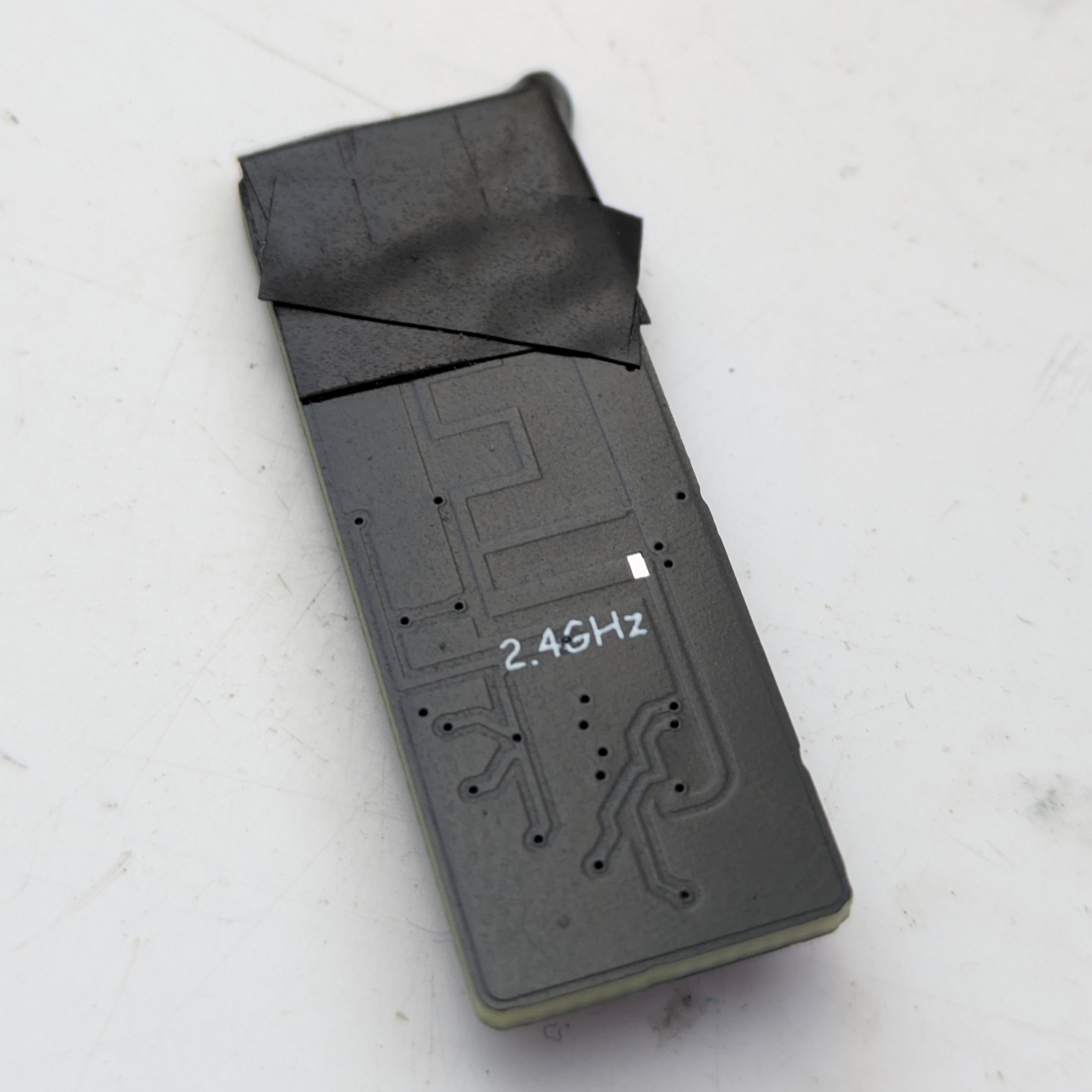
Okay, maybe the box is not so interesting (but it is a nice shade of blue..), here is my actual JLCPCB order (ignore the electrical tape, I'll get to that later):
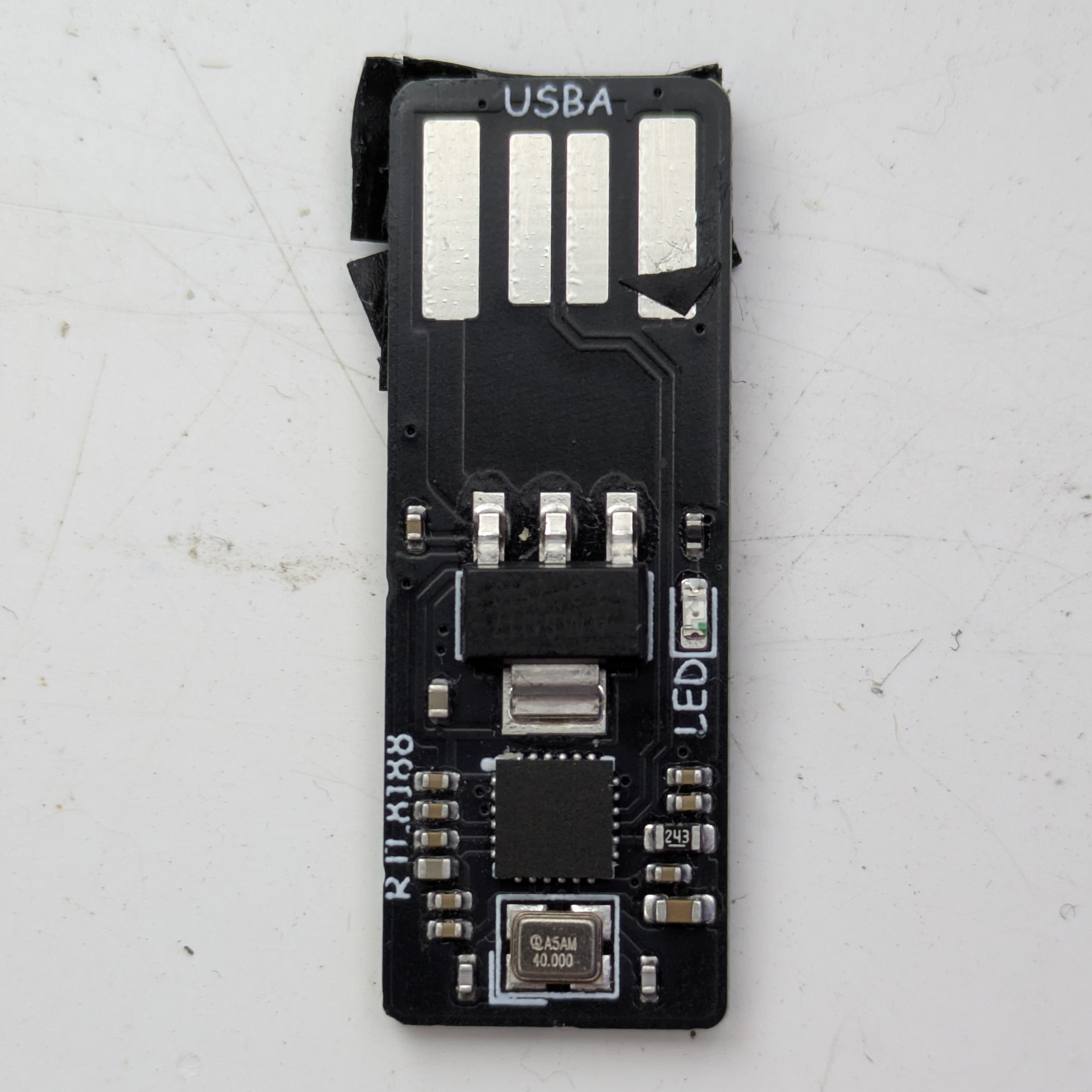
If it isn't immediately obvious, this is my first (and hopefully not last) PCB design.
I used Kicad for this, and am quite happy with it (vs. EasyEDA, which I've experimented with previously).
It is a (USB 2.0, 2.4GHz only) Wi-Fi adapter, designed with a PCB USB port.
As it turns out, this was a bad decision (although I knew it already) since 2.0mm PCBs are extremely expensive (for small orders) - I just used electrical tape on the back to make it the 2mm its supposed to be (else it just flops around in the USB port and doesn't make contact).
If you can afford the extra 50$ or so for a 2mm PCB, don't (or at least during prototyping, if you were making a product you would), your PCB is never going to work perfectly first try.
Oh and yes, that is Comic Sans on my silkscreen.
Component Selection
For the actual Wi-Fi IC, I picked the RTL8188FTV(-VC-CG). Why? Because it was cheap and I knew the RTL8188 series acted as a USB device - this was probably a terrible decision.
Since the RTL8188FTV requires 3.3V input and USB gives out 5V, I'd have to regulate this somehow, and hence I chose the AMS1117-3.3.
I had some of these on hand already (although never ended up using them) and they are listed as a basic part on JLCPCB (more on this at the end) so seemed like an obvious choice.
The 40MHz oscillator is just the cheapest crystal I could find on JLC's part library, nothing special but seems to work fine.
The AMS1117-3.3
Datasheet available at JLCPCB
The AMS1117 is available as either an adjustable or fixed voltage regulator (supporting 1.5, 1.8, 2.5, 2.85, 3.3 and 5V settings), for this I just used a far simpler fixed version.
The maximum output of 1A is plenty for powering the RTL8188, and is double the maximum for USB 2.0.
It works, and that's about all there is to say. Make sure you have enough capacitors, and note that it can handle all the way from -40 to 125°C (which will be important later), although will not heat up much at low currents, even when going from 5V to 3.3V.
I would probably use a buck converter if making a second version, which are more efficient (and likely have a smaller footprint too) such as the MAX767.
The RTL8188FTV
Datasheet available at archive.org
The RTL8188FTV-VC-CG is a IEEE 802.1 b/g/n Wi-Fi IC that uses USB 2.0 for communication, making the design easier than otherwise.
This IC is mostly hidden away, and hence the datasheet is watermarked with the lovely message "Realtek confidential files"... oops :)
It appears a lot of cheap USB Wi-Fi adapters on Aliexpress and similar also use versions of the RTL8188, probably since it is just so cheap to design with.
The entire board uses ~110mA when first plugging it in (so, as the OS initializes it and it begins scanning), and in an iperf3 test got around 30mbit/s over LAN vs. 100mbit/s on another Wi-Fi adapter (the slow speed of my board is probably explained by the antenna choice).
This chip gets HOT, and I mean it - the maximum recommended temperature is ~70°C and the maximum junction temperature is ~125°C.
Here is a thermal image of the RTL8188 during scanning:
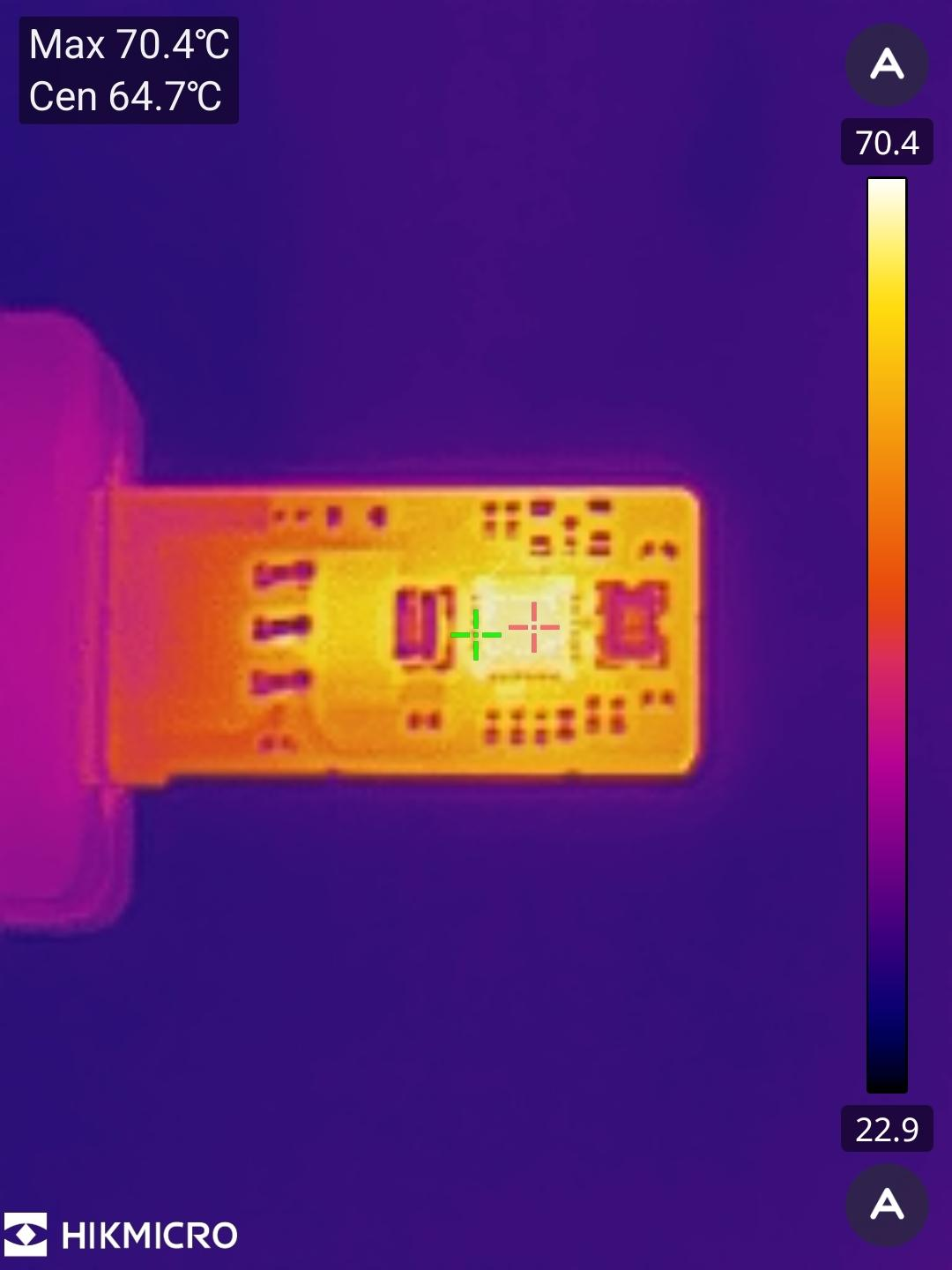
This seems "fine" as it is only 70.4°C, but this is only how hot it got in about 10 seconds, before I unplugged it again to avoid frying my IC.
I'd recommend adding lots of heat dissipation (and make sure you have plenty of vias...)
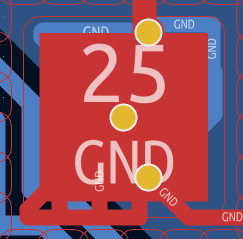
Despite this, it does function perfectly (on Windows, it even had the driver installed already!) and can connect to the internet with no issues.
Why "on Windows", you may ask? For some reason when plugging this into my Linux machine, it is detected properly but shows as a wloFFFFFFFF interface and I couldn't get it to connect to any network in my short (and very hot) testing.
This is likely fixed by using a third party driver as the RTL8188s seem not to be very well supported on Linux, at least on the mainline kernel.
The USB Port
While you would need a 2mm PCB to fit in a USB port properly, I opted not to spend the (insane amount of) extra money and went with 1.6mm PCBs instead, requiring me to use electrical tape on the bottom side of my PCB for it to fit in properly (seen above).
I used this USB connector in my design, and had to modify the footprint to allow me to retrace the edges to be curved and removed this large blank area to allow me to shrink my PCB (I found that it did not stick in far enough for components to be an issue):
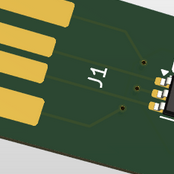
I have opted not to upload the modified footprint as it's both quite simple (and good to learn the editor) to modify, and removes any form of placement guide (which makes it practically impossible to use).
Make sure your PCB is the exact same width as the edge connector footprint if using this, at least in the area beginning at the connector.
The 2.4GHz Antenna
Datasheet available at Texas Instruments
For the antenna, I used a simple PCB antenna. This turned out not to be a great idea due to space saving on the PCB, and so I had to place small amounts of traces and components over the keep-out zone, and surprisingly it still worked (although with reduced performance).
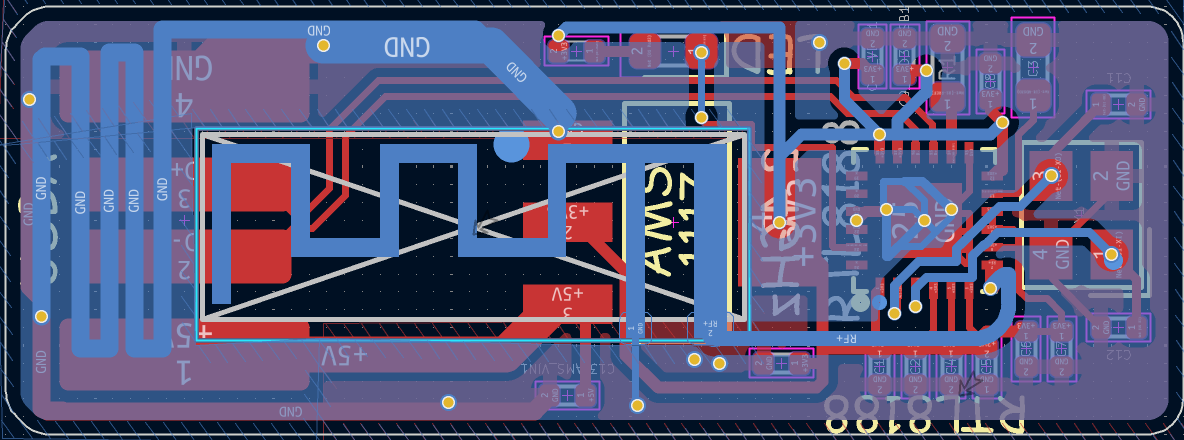
This antenna is built-in to Kicad, although for some reason has a THT pad placed on it which I had to modify in the footprint editor.
I should also mention that you should refrain from needing a VIA to carry your signal like I have here, since it makes impedence matching a nightmare.
Takeaways
- make sure your DRC is set up properly, and follow it!
- Check that your PCB manufacturer won't charge more for certain requirements, my first version of this had VIAs that were so small they needed an extra engineering fee, and I had to redo all of my traces to fix this
- Put a lot of thought into your component choice (especially if you need Linux compatibility :p)
- If using JLCPCB's Economy PCBA, make sure to use as many basic components as possible (as you won't pay the loaders fee for these, this adds up fast! Standard PCBA has a loader fee for every component model regardless)
- Make sure you have enough thermal dissipation for your components!
- Follow the datasheet for your antenna... and make sure to use impedence matching where needed!
- Be prepared to wait a bit for your order to be delivered (although this is slowly improving, and is far better than it used to be), cheap GSDL shipping to the UK took just under 2 weeks from production completion to being delivered